
Checks
Planning history search for any site
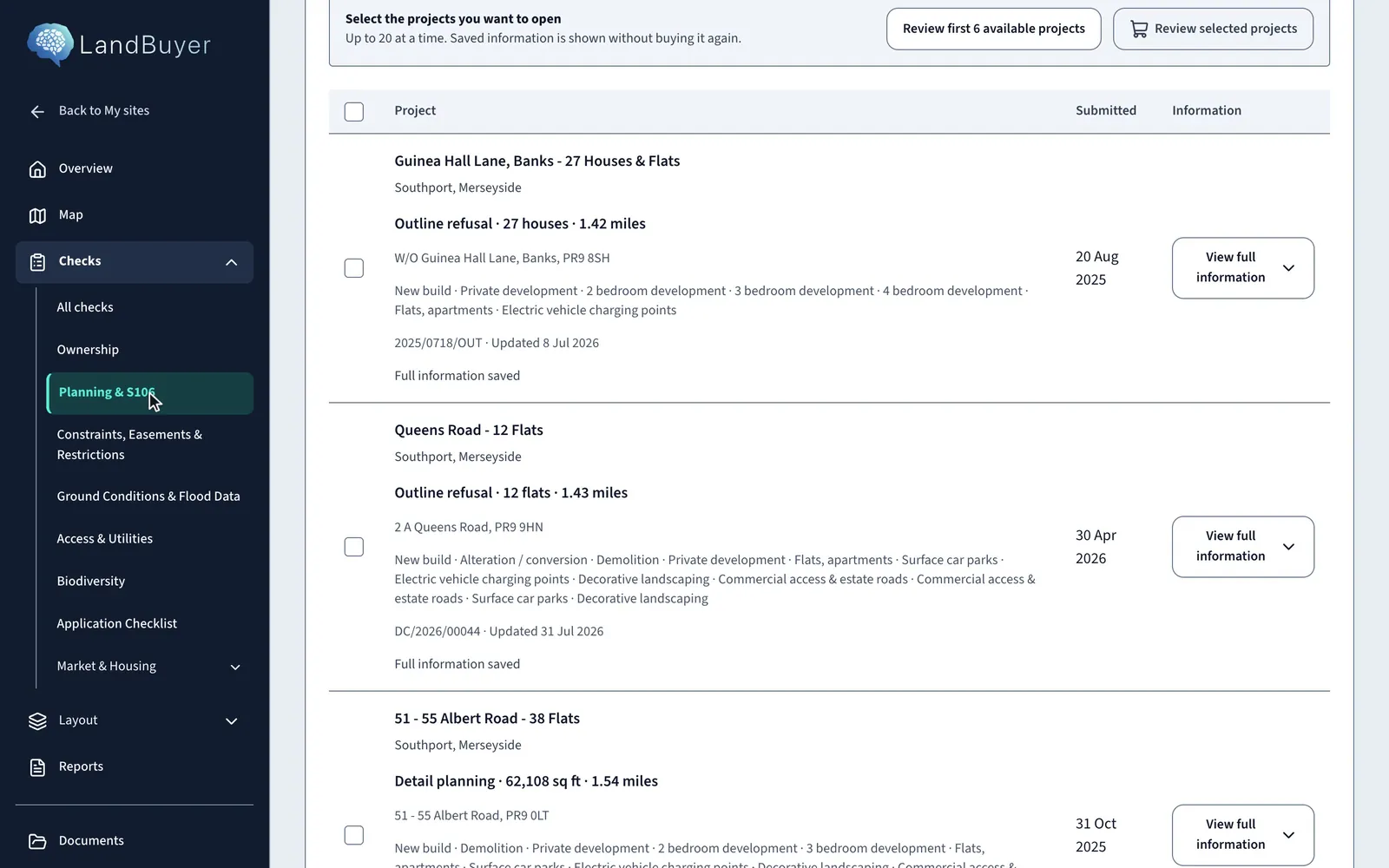
See what the council has decided near the red line, then open the application records that matter.
In short
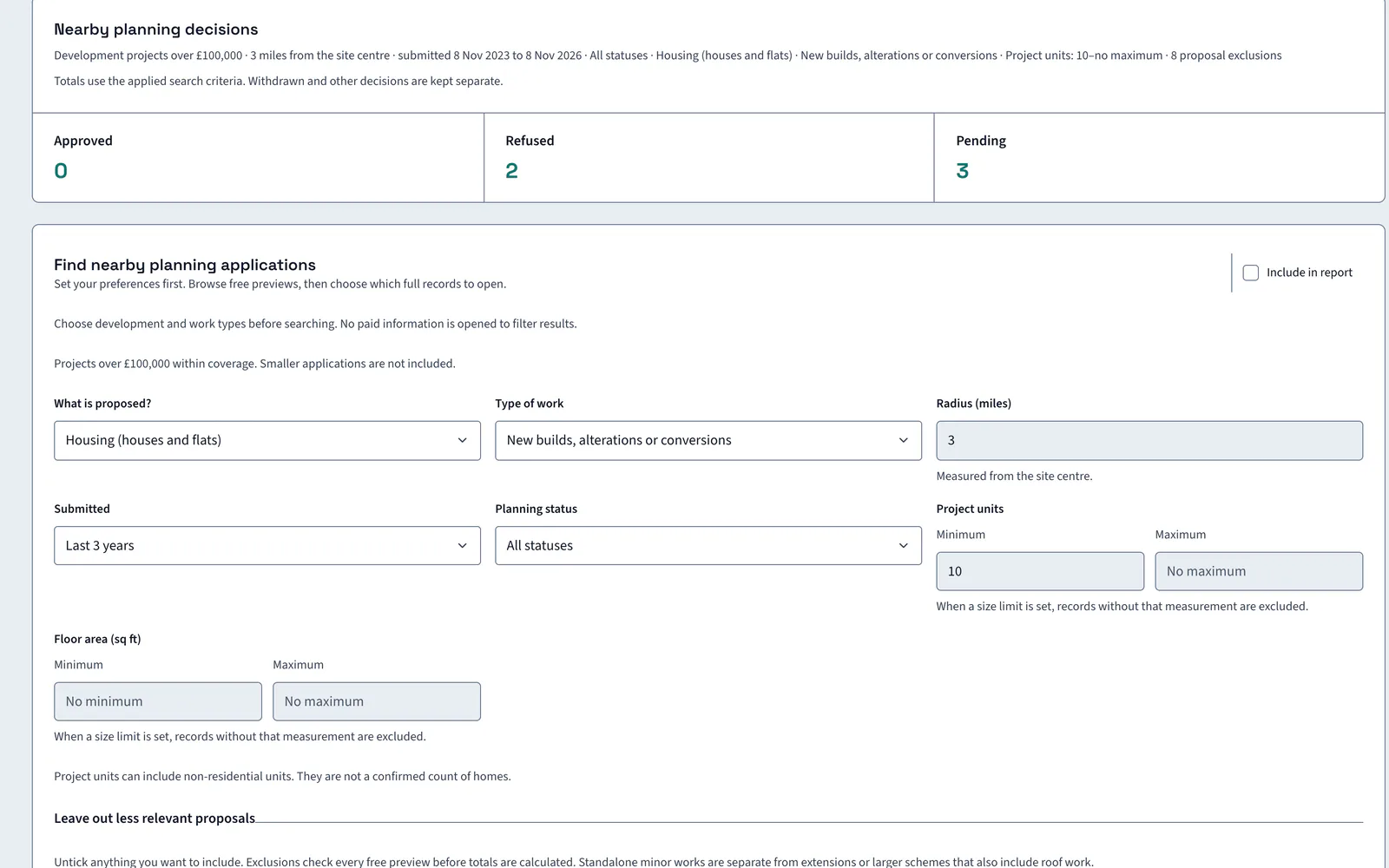
LandBuyer AI searches the planning history around a red line and lists applications by status and distance. You filter by proposal, type of work, radius, date and size, browse free previews, then choose which full records to open. On Kew Yard, four of five applications within 800 m were approved and one is pending.
What it covers
What our planning history search covers
| Item | Source type | What you see |
|---|---|---|
| Decisions near the site | Local planning registers | Applications within 800 m by status, whether approved, refused, pending or withdrawn |
| Application search | Planning application records | Filters for proposal, type of work, radius, date, status and project size, with free previews |
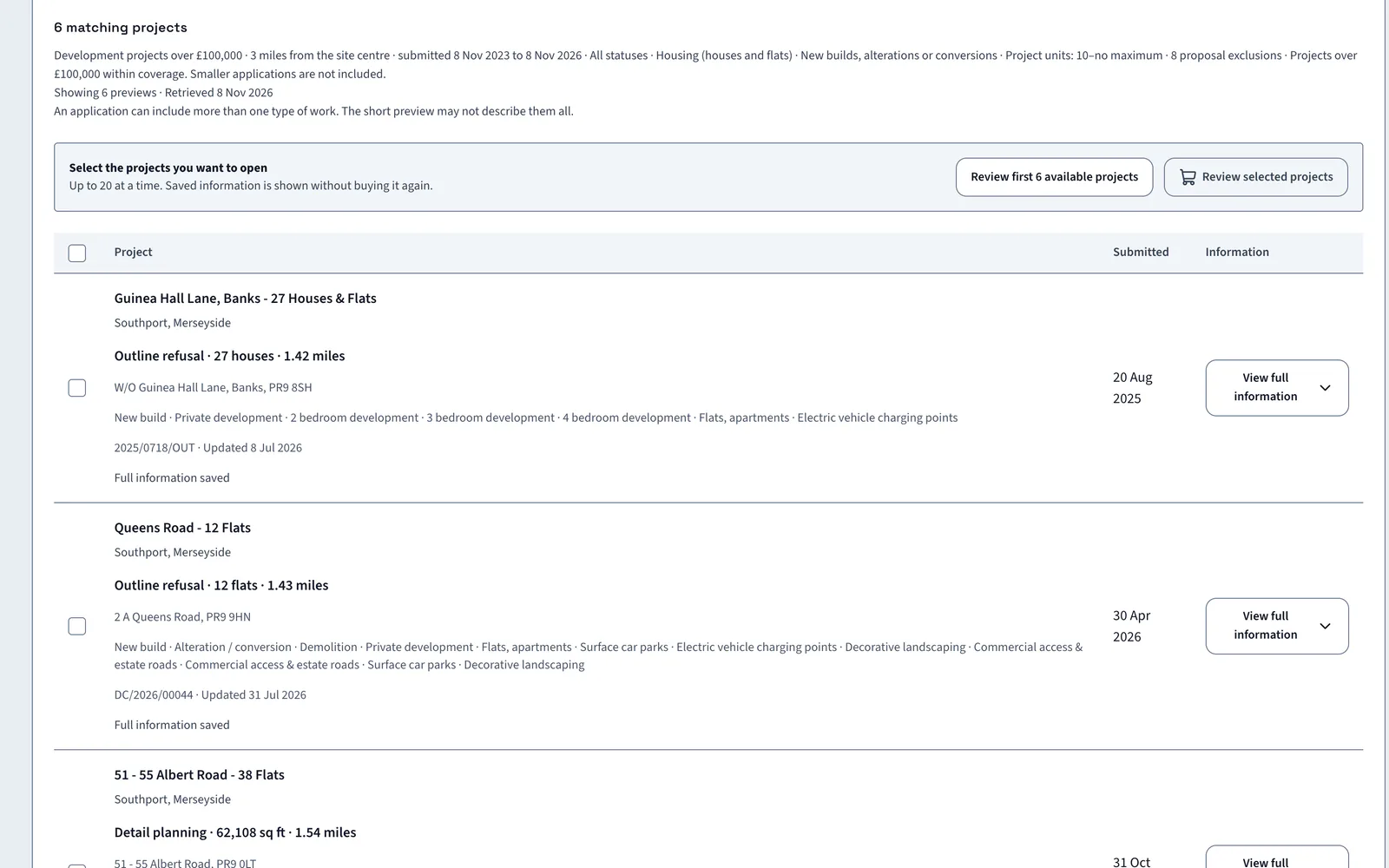
| Full application records | Planning application records | Selected records opened up to 20 at a time, with the price shown first and saved records kept |
| Application size | Planning application records | Floor area and project units. Units can include non-residential space, so they are not a count of homes |
| Major schemes | Local planning registers | Large applications within 5 km, with status, date and description |
| Brownfield land register | Planning designation datasets | Whether the site has a brownfield land register entry, and whether it sits inside a local plan boundary |
| Nearby S106 documents | Council planning documents | Agreements signed for comparable schemes within 3 miles, with the contribution assessment |
| Local requirements | Council validation list | The documents the council asks for, split into local and national items |
Official guidance Planning PortalFind your local council
On Kew Yard
Local decisions around a brownfield site
The Kew Yard search at 3 miles returns 6 matching projects. The nearest is a 27 house outline refusal.
AI insight
In the 200 day source window, 4 of 5 applications within 800 metres were approved and 1 is pending. That is local precedent only. It does not establish consent for this site.
In the report
Planning goes into the report with its dates
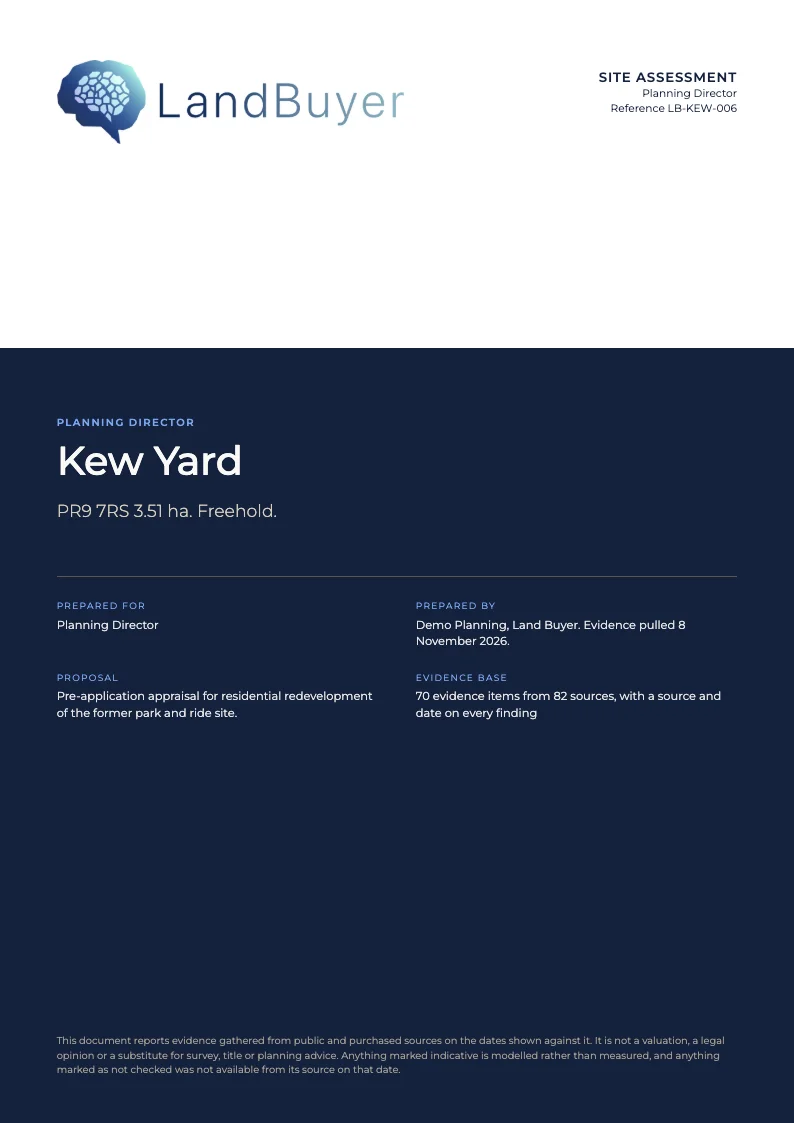
Tick Include in report on the decisions table or on any saved application. The status, reference and distance go into the planning appraisal, with the retrieval date beside each.
FAQ
Planning history questions
Short answers to what land teams ask us before a demo.
How do I search planning history around a site?
Start from the red line. The search runs from the site centre with a radius you set, 3 miles on Kew Yard at PR9 7RS. You then filter by proposal, type of work, date and status.
Are full planning records free?
Previews are free to browse. Full records are priced before you open them, and records you have saved stay open without paying again.
Does it show refused and withdrawn applications?
Yes. Approved, refused, pending and withdrawn decisions are kept separate. Kew Yard's 800 m search finds four approved, none refused and one pending.
Does it read the local plan policy?
Yes. The AI insight reads the adopted plan for the policies that apply. On Kew Yard it finds Policy HC1, which requires affordable housing from 15 net dwellings.
Keep exploring