
Checks
Utilities search by address for any site
Run a utilities search by address and see the operators, the nearest mains and the substation headroom for the site.
In short
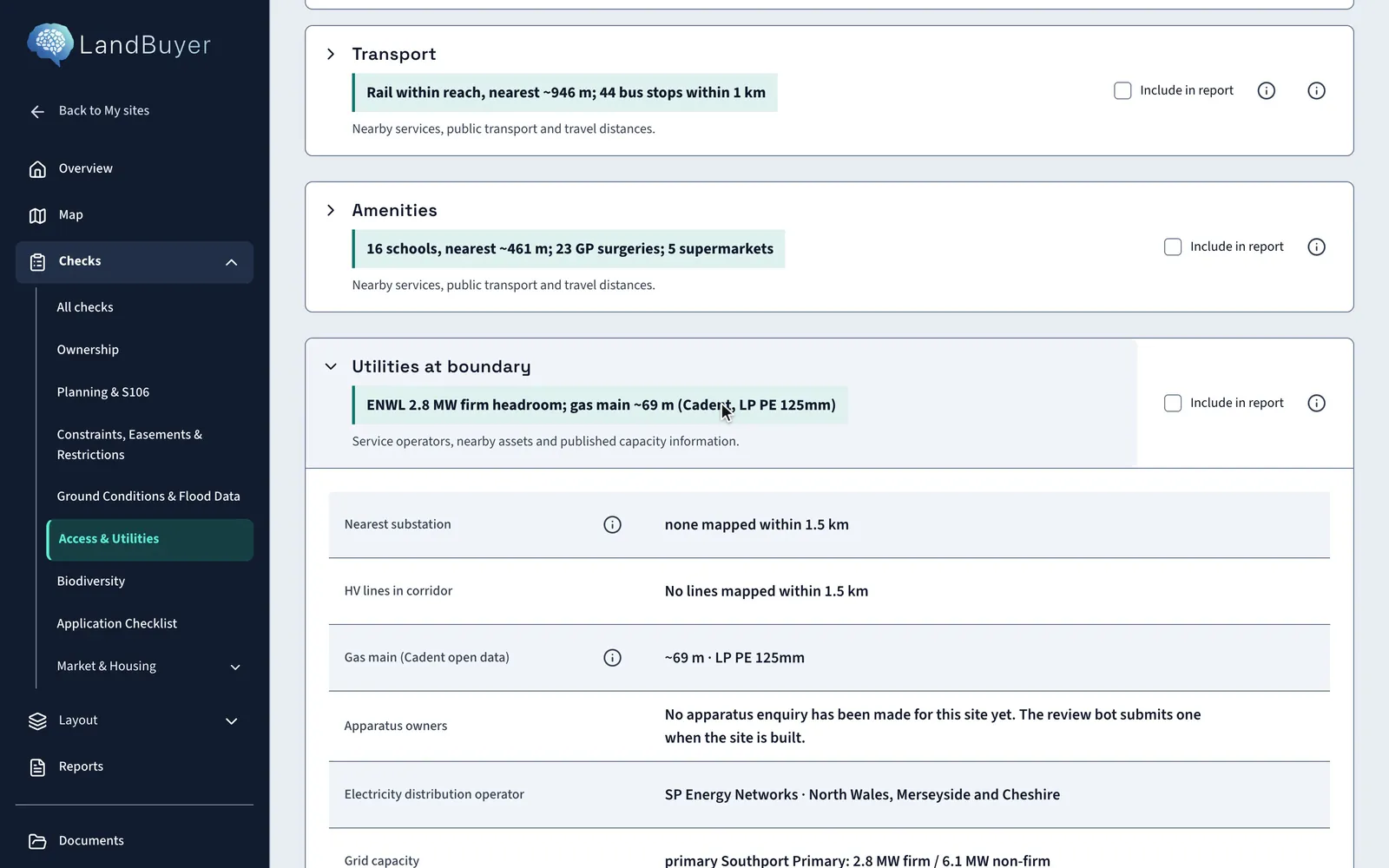
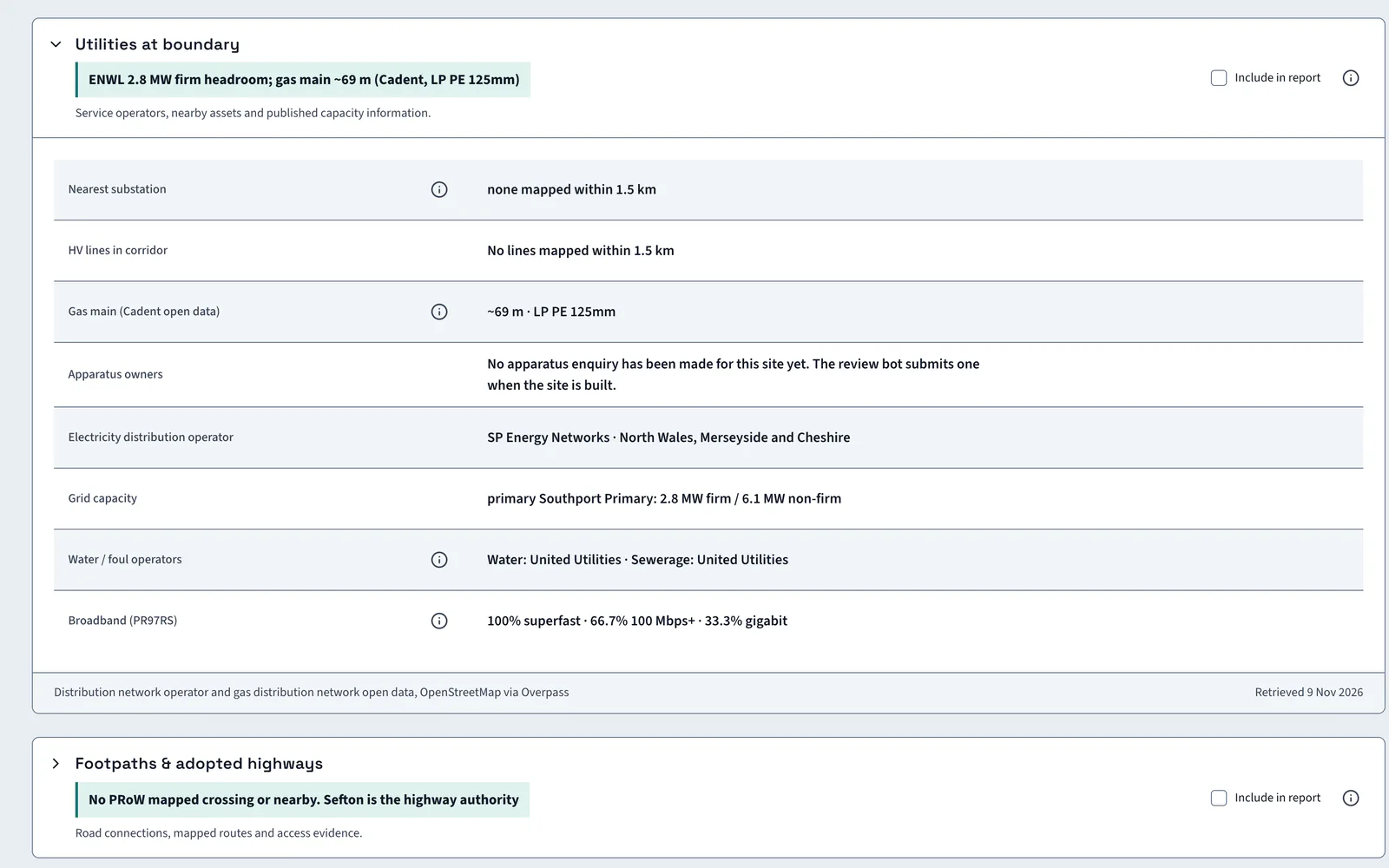
LandBuyer AI names the electricity, gas, water and sewerage operators for a site, finds the nearest gas main and shows published electricity headroom. It adds structures near the boundary, such as masts and wind turbines. On Kew Yard the electricity network shows 2.8 MW of firm headroom and the nearest gas main is about 69 m away.
What it covers
What our utilities search covers
| Item | Source type | What you see |
|---|---|---|
| Electricity operator | Network area records | The electricity distributor that serves the site |
| Substation headroom | Published network capacity data | Firm headroom in MW at the primary substation that serves the area |
| Substations and high voltage lines | Mapped power infrastructure | The nearest substation and any high voltage line within the search distance |
| Gas main | Gas network records | The nearest main, its distance, pressure, material and diameter |
| Water and sewerage operators | Water company area maps | The water supply and sewerage companies for the site |
| Apparatus owners | Utility apparatus enquiry | The owners of apparatus at the site, shown once an enquiry is on file |
| Structures nearby | Mapped structures | Masts, wind turbines, shafts and transmission lines near the boundary, with distances |
| Operator contacts | Key contacts screen | The electricity, gas and water operators named for the site, with a route to each |
Official guidance National Underground Asset Register
On Kew Yard
Capacity and mains at the boundary
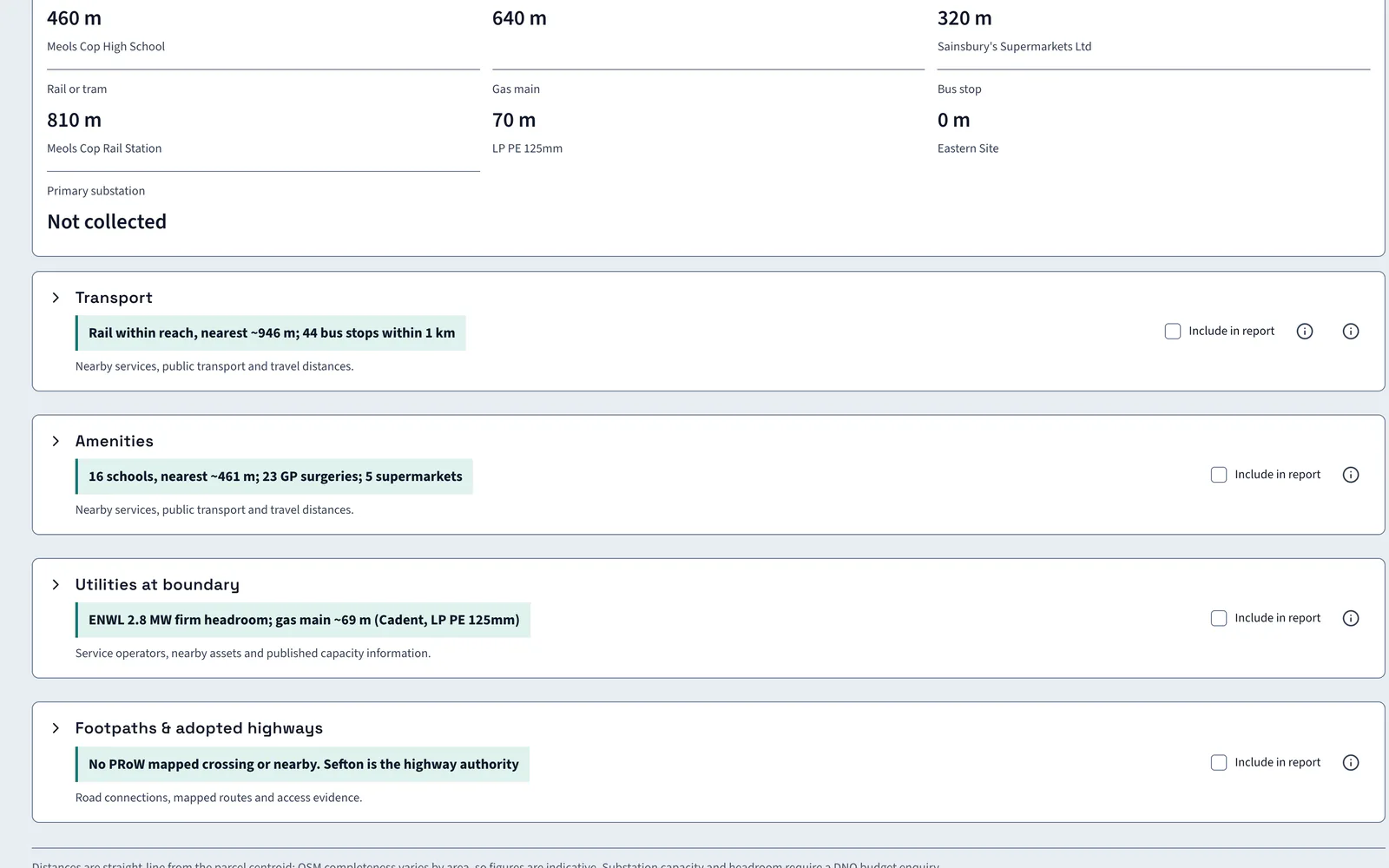
On Kew Yard the electricity network shows 2.8 MW of firm headroom. The nearest gas main is about 69 m away.
AI insight
The mast is 186 m from the boundary under an Electronic Communications Code agreement that binds a buyer. A wind turbine 11 m away is flagged for wayleave or easement.
In the report
Utilities go into the report with their dates
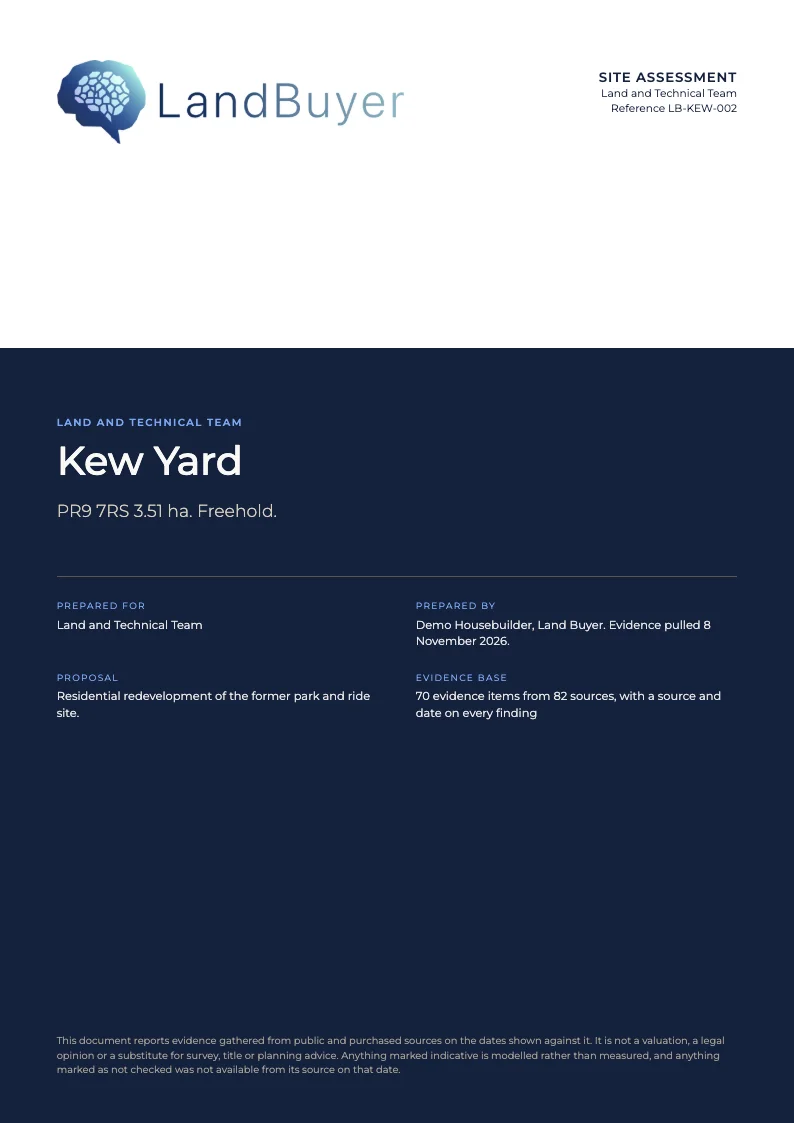
Tick Include in report on the utilities card. The headroom, the gas main distance and the operators go into the site assessment for the land and technical team, with the source date.
FAQ
Utilities search questions
Short answers to what land teams ask us before a demo.
What does a utilities search show?
The electricity, gas, water and sewerage operators for the site, the nearest gas main, published electricity headroom and structures near the boundary. Each result is shown with its distance where one applies.
Does it replace a formal apparatus enquiry?
No. It screens operators, nearby assets and published capacity at the start. An apparatus enquiry confirms the owners at the site, and a budget enquiry to the network operator confirms substation capacity.
Does it show electricity capacity?
Yes, where the network publishes it. Kew Yard shows 2.8 MW of firm headroom. The screen notes that substation capacity and headroom need a network operator budget enquiry.
Which utility operators does it name?
It names the electricity, gas and water operators for the site. They also appear on the key contacts screen, so the team has a route to each.
Keep exploring